Furbo vs Petcube: Which Cat Camera to Buy (2026)
Furbo vs Petcube for cats: 360-degree treat-toss view versus a fixed 1080p cam, plus which features need a subscription and which do not.
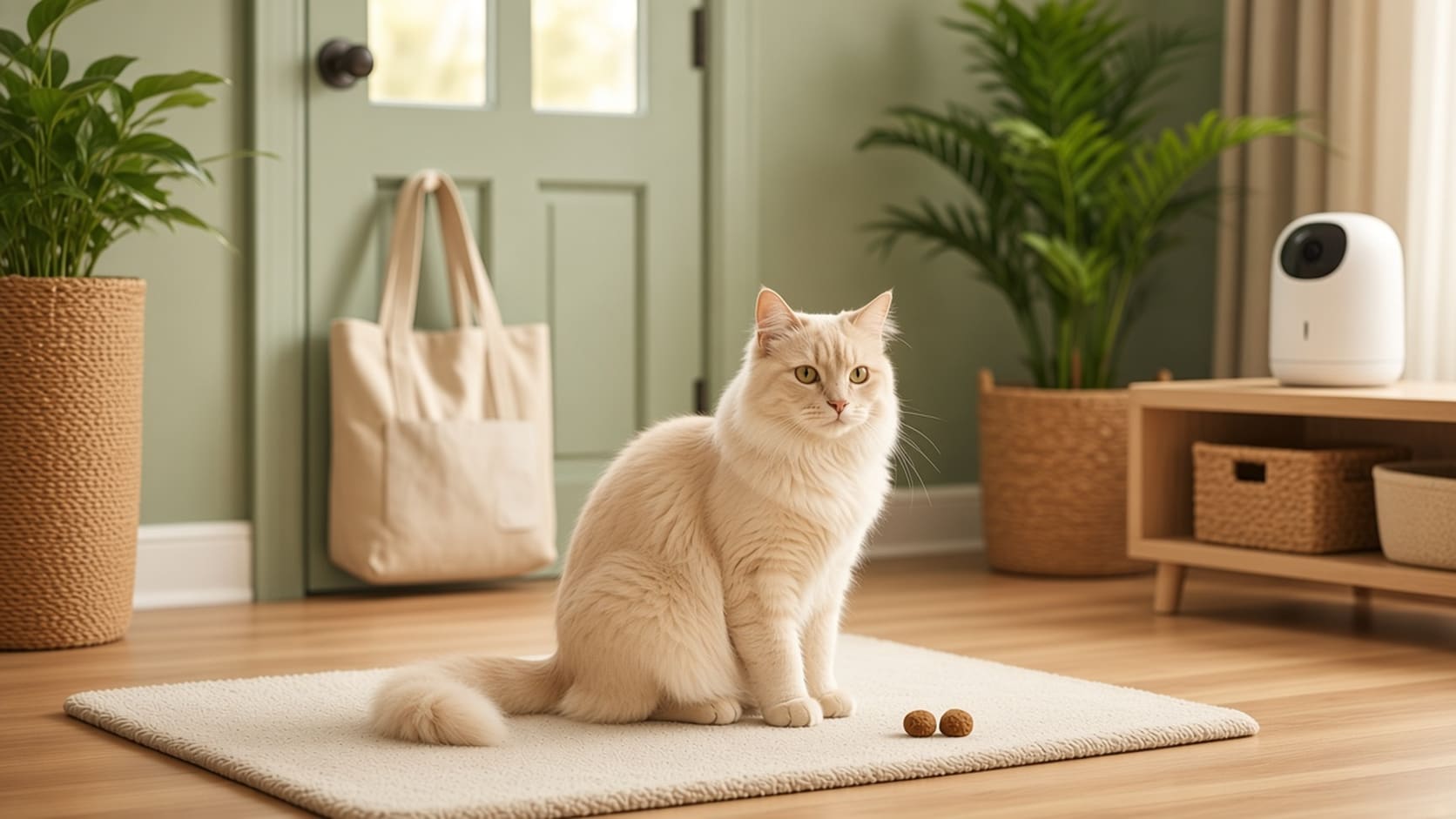
Quick answer: Buy the Furbo 360° Cat Camera (core features, no ongoing cost) if you want a rotating 1080p view, auto tracking and a treat tosser. Buy Petcube Cam if you want a small, fixed 1080p camera with two-way audio and no required subscription for live view. Neither one replaces a sitter. Confirm the Furbo listing says no ongoing cost before you check out — other Furbo ASINs require a plan.
A camera is for peace of mind on a workday or a dinner out, not for a long weekend with no human in the house. We have not used these cameras as a long-term lab test. The comparison below comes from Furbo’s official camera comparison page and Petcube’s Cam product page, both checked in November 2026, plus verified Amazon titles.
We may earn a commission if you buy through links on this page, at no extra cost to you. We do not invent battery-life numbers or “works without Wi-Fi” claims.
Key takeaways
- Furbo 360° Cat Camera (Furbo’s comparison page): 1080p, rotating 360° view, 4x digital zoom, auto tracking, treat toss with a listed 100-treat capacity, designed for cats, tabletop use in an open room.
- Petcube Cam (Petcube’s product page): 1080p, 110° wide-angle, 8x digital zoom, two-way audio, night vision up to 30 feet, 2.4 GHz Wi-Fi only. It does not pan or tilt.
- Subscriptions are optional for basic live view on Petcube Cam. Care adds storage and smart alerts. Furbo plans and “no ongoing cost” language vary by SKU — read the listing.
- A camera is not a sitter. The San Francisco SPCA says not to leave a cat alone more than 12 hours without a check. Details are in can I leave my cat alone for a weekend.
Furbo vs Petcube at a Glance
| Feature | Furbo 360° Cat Camera | Petcube Cam |
|---|---|---|
| Video | 1080p, rotating 360° view, 4x digital zoom (Furbo) | 1080p, 110° wide-angle, 8x digital zoom (Petcube) |
| Movement | Rotates; Furbo lists auto tracking | Fixed; you aim the body by hand |
| Treat toss | Yes; Furbo lists about 100-treat capacity | No |
| Audio | Two-way audio is part of the Furbo camera experience; confirm on the listing | Two-way full-duplex audio (Petcube) |
| Night vision | Confirm on the listing you buy | Up to 30 ft (Petcube) |
| Wi-Fi | Check the listing for band support | 2.4 GHz only (Petcube) |
| Subscription for live view | The ASIN we link is sold as core features, no ongoing cost. Other Furbo SKUs require a plan. Furbo Nanny is described for extra alerts and playback. | Not required for live view. Care is optional for storage and smart alerts. |
| Size (official) | About 8.8 × 4.9 × 4.9 in, 1.7 lb, tabletop | About 2.39 × 2.13 × 3.22 in, with a 2 m USB cable in the box |
| Best for | Watching a larger room and tossing a treat | A cheap, small camera aimed at one spot |
Prices change. Check the live listing. We do not hard-code camera or plan prices here.
Furbo 360° Cat Camera: What the Official Page Says
Furbo’s U.S. comparison page lists a 360° Cat Camera as designed for cats, with “colors your pet can see” and a feather wand in the box on some kits. Official hardware claims include 1080p video, a rotating 360° view with 4x digital zoom, auto tracking (it rotates and zooms to follow the pet), treat tossing with a listed capacity of 100 treats, a pet-proof design, tabletop placement, and a size of about 8.8 × 4.9 × 4.9 inches at 1.7 pounds. Furbo describes it as a fit for an open space such as a living room.
That is the camera we mean when we say “Furbo” in this guide. Furbo also sells dog models, a Mini, and wide-angle add-on cameras. Do not mix those spec sheets.
About subscriptions: Furbo’s site describes a Furbo Nanny subscription for extra alerts, video playback and behavior reports. That is separate from the hardware. The Amazon listing we use is the Furbo 360° Cat Camera with core features and no ongoing cost. Other Furbo listings on Amazon clearly say a subscription is required. If you only want the core live view and treat toss without a monthly plan, stay on the “no ongoing cost” title and read the current bullet list at checkout. We do not promise which alerts remain free six months from now; makers change plans.
Treat toss is fun and it is also a calorie source. Use a treat your vet already allows, in a small amount, and do not fire a stream of treats at a cat that will sit under the camera all afternoon. A camera treat is not a meal, and it is not a substitute for a wand session when you get home.
Petcube Cam: What the Official Page Says
Petcube Cam is the simple, small camera. Official specs from Petcube’s product page (checked November 2026):
- 1080p HD video, 8x digital zoom, 110° wide-angle lens
- Two-way full-duplex audio
- Night vision up to 30 feet
- 2.4 GHz Wi-Fi only; a broadband connection with about 2 Mbps upload is recommended
- About 60.6 × 54 × 81.78 mm (2.39 × 2.13 × 3.22 in)
- In the box: camera, 2 m USB cable, power adapter, adhesive tape, quick-start guide
- 1-year limited warranty on Petcube’s site
Petcube’s own FAQ says Cam does not rotate, pan or tilt. You turn the body to aim it. That is the main hardware tradeoff versus Furbo.
About subscriptions: Petcube is clearer than many camera brands. The page says you can use Cam out of the box with no required monthly fee. Without optional Petcube Care, you will not get video storage or smart alerts. Care is described as adding a video timeline, smart alerts, Daily Diary-style clips and browser playback. We are not printing a plan price here because those numbers change; check Petcube’s Care page when you buy.
If you only want to open an app, see the room, and talk, Petcube Cam is built for that without a plan. If you want a day’s worth of clips after something happens, budget for Care or choose a camera whose current listing includes the history you need.
Get the indoor cat checklist
A free setup checklist for busy and holiday weeks, plus occasional notes when useful cat gear actually drops in price.
By subscribing you agree to receive emails from Paw & Sage. Double opt-in, unsubscribe anytime. See our privacy policy.
Who Should Buy Which
| If you… | Start with |
|---|---|
| Want to look around a living room and toss a treat | Furbo 360° Cat Camera, no ongoing cost listing |
| Want the smallest camera and a fixed view | Petcube Cam |
| Do not want a required subscription for live video | Petcube Cam, or the Furbo listing that explicitly says no ongoing cost |
| Need recorded history and smart alerts | Budget for Petcube Care, or read the current Furbo plan language |
| Have only 5 GHz Wi-Fi and no 2.4 GHz network | Do not buy Petcube Cam until you can offer 2.4 GHz; confirm Furbo’s current band support on the listing |
| Are leaving town for a weekend | Book a sitter first, then add a camera. See leaving a cat alone on vacation |
Where to Put It, and What a Camera Cannot Do
Point the lens at the places your cat actually uses: the window, the tree, the hallway to the litter box — not a decorative shelf that films a blank wall. For Petcube, aim it once and use the wide angle. For Furbo, place it on a stable table in an open room, out of a leaping path so the treat hopper is not a climbing toy.
Use two-way audio sparingly. A sudden voice from a speaker can scare some cats more than it comforts them. A short check-in is enough.
A camera will not:
- Scoop the box or refill a fountain
- Notice a urinary blockage if you never open the app
- Replace the 12-hour check the San Francisco SPCA recommends
- Make a holiday house quieter; for guests and fireworks, still offer a closed quiet room, as the ASPCA suggests, and consider a calming diffuser as a support
If you also want food to go out on a timer, that is a feeder problem, not a camera problem. See PETLIBRO vs PetSafe automatic feeders. And if you are buying a camera as a gift, pair it with realistic expectations — it is a window into the room, not a nanny.
How We Compared
- Hardware and subscription rules come from Furbo’s official comparison page and Petcube’s Cam page, checked in November 2026.
- Amazon titles were checked so the Furbo ASIN we link matches the “core features, no ongoing cost” wording, and so Petcube Cam is a current 200 listing (an older Play 2 ASIN was no longer valid).
- This is a research comparison, not a weeks-long in-home test. Our editorial policy explains how we research products.
If you can only buy one, pick Furbo for a moving view and treats, or Petcube for a small, simpler live window. Then still ask a person to walk through the door.
Get our free indoor cat enrichment checklist
Plus seasonal picks and deals worth knowing about. No spam, unsubscribe anytime.
By subscribing you agree to receive emails from Paw & Sage. Double opt-in, unsubscribe anytime. See our privacy policy.
Sources
This article cites 4 sources in the text. They are linked below.
- Compare Furbo Cameras (Furbo)
- Petcube Cam (Petcube)
- Traveling With or Without Your Pet (San Francisco SPCA)
- Holiday Safety Tips (ASPCA)
Common questions
Is Furbo or Petcube better for cats?
It depends on whether you want a rotating treat-toss camera or a small fixed cam. Furbo's 360° Cat Camera, per Furbo's comparison page, has 1080p video, a rotating 360° view, 4x zoom, auto tracking and a treat tosser that holds about 100 treats. Petcube Cam is a compact 1080p camera with a 110° wide-angle lens, 8x digital zoom, two-way audio and night vision up to 30 feet. It does not rotate or toss treats.
Does Furbo require a subscription?
It depends on the listing. We link the Furbo 360° Cat Camera sold with core features and no ongoing cost (ASIN B0C4XXBY44). Other Furbo listings say a subscription is required. Furbo's site also describes a Furbo Nanny plan for extra alerts, video playback and reports. Read the Amazon title you are buying, and check current plan details on Furbo's site.
Does Petcube Cam require a subscription?
Petcube's product page says all of its cameras, including Cam, can be used out of the box without a subscription. Without optional Petcube Care, you will not get video storage or smart alerts. Live streaming and two-way audio are part of the camera itself. Check current Care pricing on Petcube's site; we do not hard-code plan prices here.
Can I use a pet camera instead of a cat sitter?
No. A camera lets you look in. It does not scoop a box, refill water, or help a cat that is vomiting or locked in a room. The San Francisco SPCA advises not leaving a cat alone more than 12 hours without someone checking. See our weekend-alone guide for the full setup.
Does Petcube Cam pan or tilt?
No. Petcube's FAQ says Cam has a 110° wide-angle lens and does not rotate, pan or tilt; you turn the body by hand to aim it. Furbo's 360° Cat Camera is the one that rotates and can auto-track, according to Furbo.
Which camera is better for a small apartment?
Petcube Cam is the smaller, simpler option if one aimed view covers the room you care about. Choose Furbo if you want to look around the room and toss a treat without walking home. In a multi-room home, no single camera replaces a person walking through.