How to Clean a Litter-Robot 4: Deep Clean, Sensors and Schedule
How to clean a Litter-Robot 4 step by step: globe deep clean, base wipe-down, curtain sensor cleaning, carbon filter, how often to do it and what never to use.
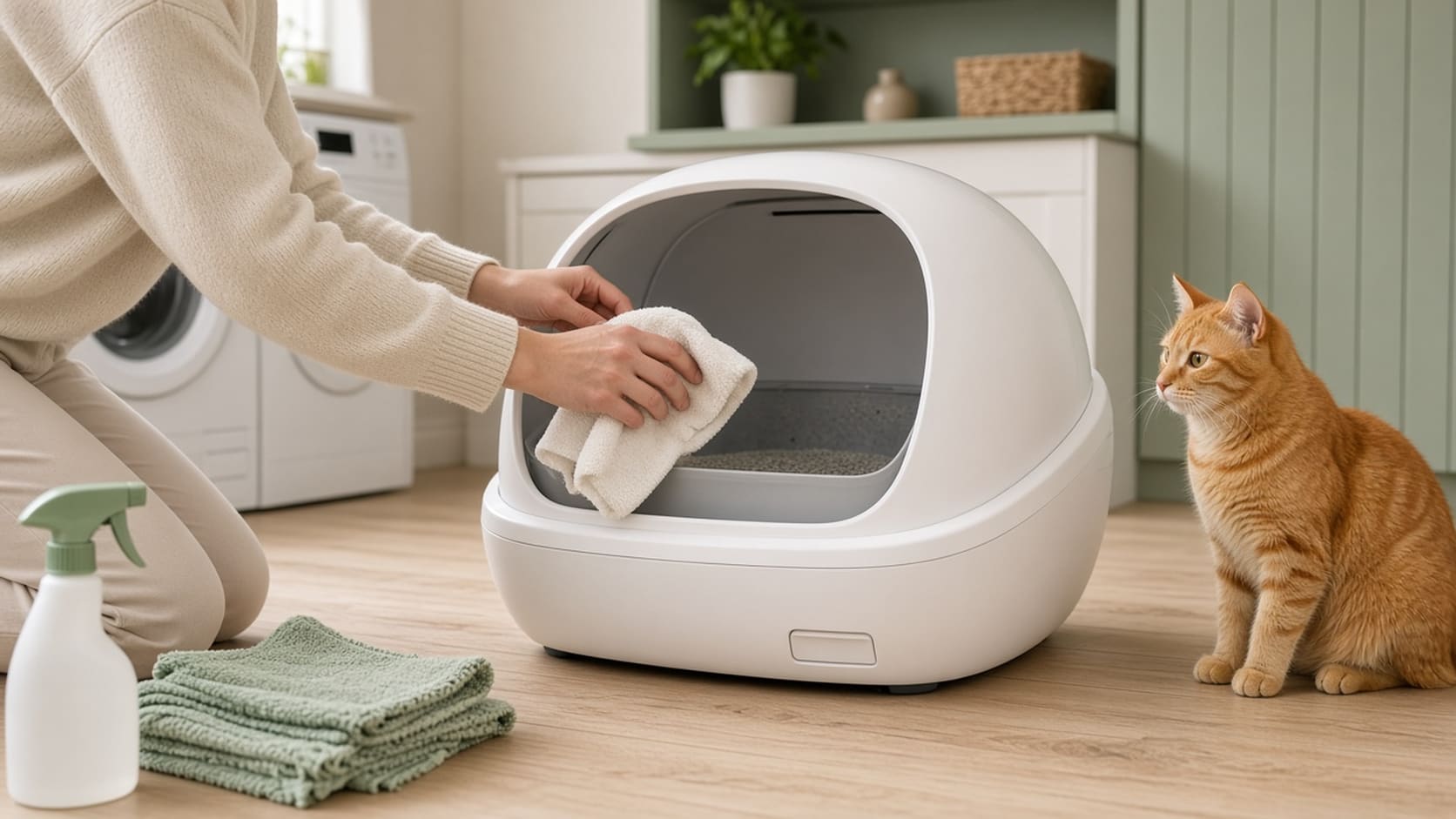
Quick answer: Unplug the Litter-Robot 4, press Empty to dump the litter into the drawer, lift off the bonnet and globe, remove the carbon filter, and wash the globe with water and mild soap (no bleach). Let it dry completely. Wipe the base with a cloth dampened with disinfectant, never spray it. Then clean the three curtain sensors in the bezel with a dry cloth, a vacuum brush and a cotton swab, reassemble, and press Reset then Cycle. A solid blue light means you are done. Whisker recommends a deep clean at least every 3 months.
We may earn a commission if you buy through links on this page, at no extra cost to you. These steps summarize Whisker’s official Litter-Robot 4 support articles, checked November 18, 2026. Always follow your manual if it differs.
Key takeaways
- Schedule: basic globe clean every 1 to 3 months, deep clean at least every 3 months (Whisker).
- Globe = washable. No electronics inside; soap and water or Whisker’s cleaner, then fully dry.
- Base and control panel = never wet. Disinfectant on a cloth only.
- No bleach inside the globe.
- Sensors cause most “drawer full” and false cat alerts. Dust and fur on the curtain sensors are the usual suspects.
What You Need
- Mild dish soap or Litter-Robot cleaner, and a soft sponge or cloth
- A disinfectant you can put on a cloth (not sprayed onto the base)
- Dry microfiber cloth, cotton swabs, and a vacuum with a brush attachment (compressed air optional)
- Fresh Litter-Robot waste drawer liners and fresh clumping clay, such as Tidy Cats Designed for Litter-Robot
- A replacement carbon filter if yours is due
Step 1: Empty the Globe
- Press Empty. The globe turns so the litter falls through the waste port into the drawer.
- Sweep any leftover litter toward the waste port.
- Press Cycle or Reset to return the globe to Home.
Whisker’s warning is worth repeating: get all the litter out before any water touches the globe, because wet litter turns into messy clay. If the unit is stuck mid-cycle, a short press of Reset finishes the cycle; a 3-second long press zeroes the weight scale if it is in an error state.
Step 2: Unplug and Take It Apart
- Turn the Litter-Robot off and unplug it.
- Remove accessories such as the fence, shield or LitterHopper.
- Open the bonnet: press and hold the buttons on both sides, then lift and rotate it open.
- Lift out the globe by its handle.
- Remove the carbon filter from under the globe by pushing the top edge down to free it from the hooks.
- Pull out the waste drawer and empty it.
Step 3: Wash the Globe
Wash the globe with Litter-Robot cleaner spray or wipes, or water and a mild soap. Whisker says there are no electronic components in the globe, so soap and water cannot damage it, and a very dirty globe can be soaked or cleaned with a hose. Do not use bleach or bleach-containing cleaners inside the globe; Whisker says they can cause irritating fumes.
Check the seal strip at the lower front of the globe while it is out. Whisker notes fur caught there can interfere with the curtain sensors when the globe rotates. Replace it if it is peeling.
Let the globe dry completely before you put it back.
Step 4: Wipe the Base (Carefully)
The base holds the sensors and electronics. Whisker’s rules:
- Never submerge, spray or soak the base or control panel.
- Wipe surfaces with a cloth dampened with disinfectant. If you use a spray, spray onto the cloth, away from the base.
Step 5: Clean the Curtain Sensors
The Litter-Robot 4 has three laser “curtain” sensors in the top of the bezel, plus a weight scale in the base. They detect your cat and measure litter and waste-drawer levels. Dust or fur on them can cause false cat detections and wrong drawer readings.
- Wipe the bezel area around the sensors with a dry, clean cloth.
- Vacuum the inside perimeter of the bezel with a brush attachment, passing over the sensor holes.
- For a deep clean, with globe, bonnet and drawer removed, lean the unit back so you can see into each hole and gently wipe each sensor with a dry cotton swab. Gentle compressed air is also fine. Whisker notes the dust is hard to see, so clean even if they look fine.
Get the indoor cat checklist
A free setup checklist for automatic litter boxes and new cats, plus occasional notes when useful cat gear drops in price.
By subscribing you agree to receive emails from Paw & Sage. Double opt-in, unsubscribe anytime. See our privacy policy.
Step 6: Reassemble and Test
- Put the dry globe back on the base and reinstall the carbon filter.
- Insert a fresh liner in the waste drawer and slide it in.
- Close the bonnet and reinstall any fence or accessories.
- Plug in and power on.
- Add fresh clumping litter up to the fill line.
- Short-press Reset, then Cycle. After the cycle, a solid blue light means it is ready. A flashing light means something still needs attention; see Whisker’s troubleshooting pages.
How Often to Clean a Litter-Robot 4
| Task | How often | Source |
|---|---|---|
| Empty waste drawer, replace liner | When the app or light says full | Whisker app / DFI |
| Wipe bezel and vacuum sensor holes | Whenever you see dust or fur, and at every deep clean | Whisker sensor guide |
| Basic globe cleaning | Every 1 to 3 months | Whisker |
| Full deep clean (globe, base, sensors, filter) | At least every 3 months, more with more cats | Whisker |
More cats means more frequent cleaning. For homes with three or more cats, see our best automatic litter box for multiple cats for capacity numbers.
Make Cleaning Easier Next Time
- Use the right litter. A hard-clumping clay keeps the globe and liner cleaner. Whisker lists Tidy Cats Designed for Litter-Robot, Dr. Elsey’s and Fresh Step as compatible, and corn or tofu litters as not recommended. Full list: best litter for Litter-Robot and automatic boxes.
- Use Whisker’s own liners. The company says dark bags can make LR4 drawer readings inaccurate.
- Keep the floor level and firm. Whisker says accurate cat and weight detection needs a firm, level surface.
Cleaning Other Automatic Litter Boxes
The same principles apply to most self-cleaning boxes: remove all litter first, keep water away from the electronic base, skip bleach, and clean the sensors. Always check your model’s manual. Comparing models? See Litter-Robot 4 vs 5 vs EVO, Litter-Robot 3 vs 4 and Litter-Robot alternatives. Thinking about buying? Check the Litter-Robot Black Friday deal first.
How We Wrote This Guide
These steps condense Whisker’s official Litter-Robot 4 deep-cleaning and laser-sensor support articles plus its litter compatibility guide, checked on November 18, 2026. We did not film our own cleaning. If Whisker updates its instructions, follow Whisker. Our method is on how we pick.
Get our free indoor cat enrichment checklist
Plus seasonal picks and deals worth knowing about. No spam, unsubscribe anytime.
By subscribing you agree to receive emails from Paw & Sage. Double opt-in, unsubscribe anytime. See our privacy policy.
Sources
This article cites 4 sources in the text. They are linked below.
Common questions
How often should you deep clean a Litter-Robot 4?
Whisker recommends a basic globe cleaning every 1 to 3 months and a deep cleaning at least every 3 months, more often with more cats or heavy use.
Can you wash the Litter-Robot 4 globe with water?
Yes. Whisker says the globe has no electronic components, so you can clean it with water and a mild soap or Litter-Robot cleaner, and even hose it down if it is very dirty. Let it dry completely before reassembling. Never get the base or control panel wet.
Can I use bleach to clean a Litter-Robot 4?
No. Whisker says not to use bleach or bleach-containing products inside the globe because they can cause irritating fumes.
How do you clean the Litter-Robot 4 sensors?
Wipe the bezel with a dry cloth, vacuum the inside of the bezel with a brush attachment over the sensor holes, and if needed clean each of the three curtain sensors with a dry cotton swab or gentle compressed air. Then short-press Reset and Cycle; a solid blue light means it worked.
Why does my Litter-Robot 4 think the drawer is full when it isn't?
Dust or fur on the curtain sensors in the bezel is a common cause, according to Whisker, because those sensors also measure the waste drawer level. Clean the sensors, check that the seal strip is not peeling or holding fur, and run a test cycle.
What litter is easiest to keep clean in a Litter-Robot 4?
A hard-clumping clay. Whisker notes that wet litter turns into messy clay in the globe and lists plant-based and pellet litters such as World's Best and Tuft & Paw as not recommended because they do not sift properly.